2S-UI is a friendly web panel for multi-protocol proxy management — subscriptions, live traffic stats, multi-node clusters and automatic HTTPS, all self-hosted in one place. 2S-UI 是一个对新手友好的 sing-box 网页管理面板——多协议、订阅分发、实时流量统计、多节点集群、自动 HTTPS,全部自托管,一站搞定。
Features核心特性
No plugins to hunt down, no scripts to babysit. Install once and manage everything from the browser. 不用东拼西凑插件,也不用伺候脚本。装好一次,全部在浏览器里搞定。
VLESS, VMess, Trojan, Shadowsocks, Hysteria2, TUIC, WireGuard and more — with XTLS support. VLESS、VMess、Trojan、Shadowsocks、Hysteria2、TUIC、WireGuard 等,支持 XTLS。
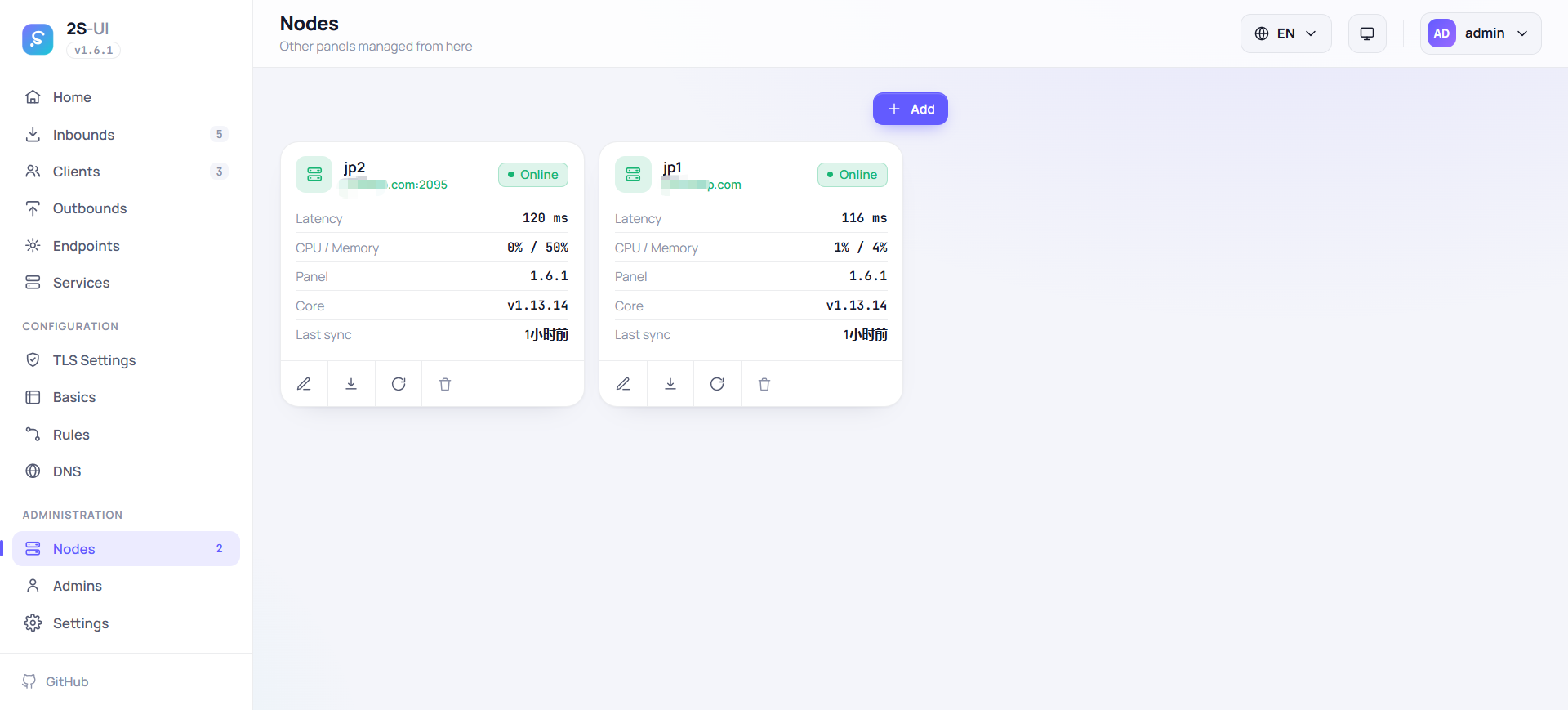
One master panel monitors nodes, shares users and merges every server into a single subscription. 主面板统一监控节点、同步用户,所有服务器合并进同一条订阅链接。
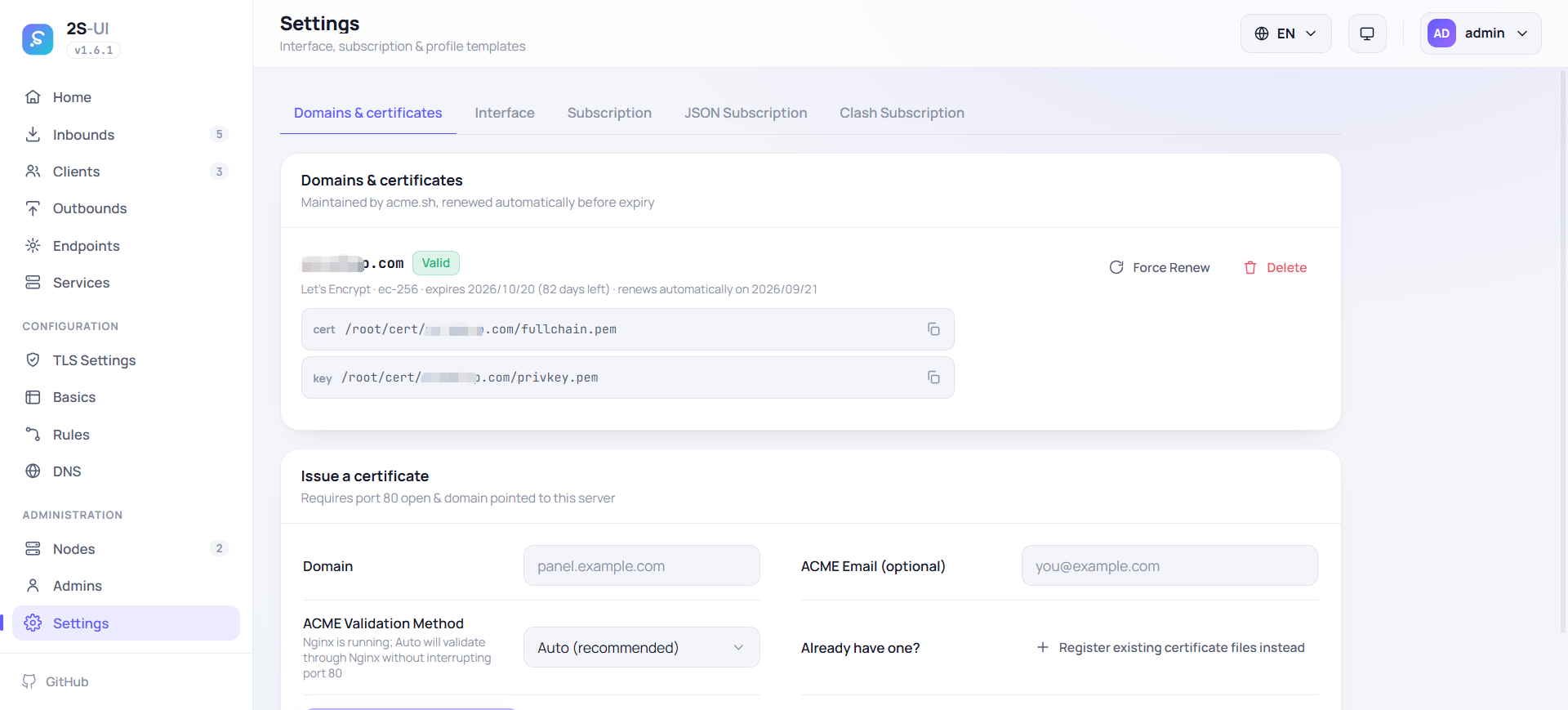
Type a domain, press issue — a free Let's Encrypt certificate is obtained and auto-renewed for you. 输入域名点一下,自动申请并续期免费的 Let's Encrypt 证书。
Putting the panel behind a proxy? 2S-UI writes, validates and reloads the vhost for you. 面板要放到反向代理后面?vhost 配置自动写好、校验并热加载。
On Linux, the panel spots new releases, verifies checksums, smoke-tests the binary and swaps it in place. Linux 上,面板自动发现新版本,校验哈希、试运行通过后原地替换,不用 SSH。
Share link, JSON or Clash subscriptions with usage info baked in — QR codes included. 链接 / JSON / Clash 订阅随手分享,自带用量信息和二维码。
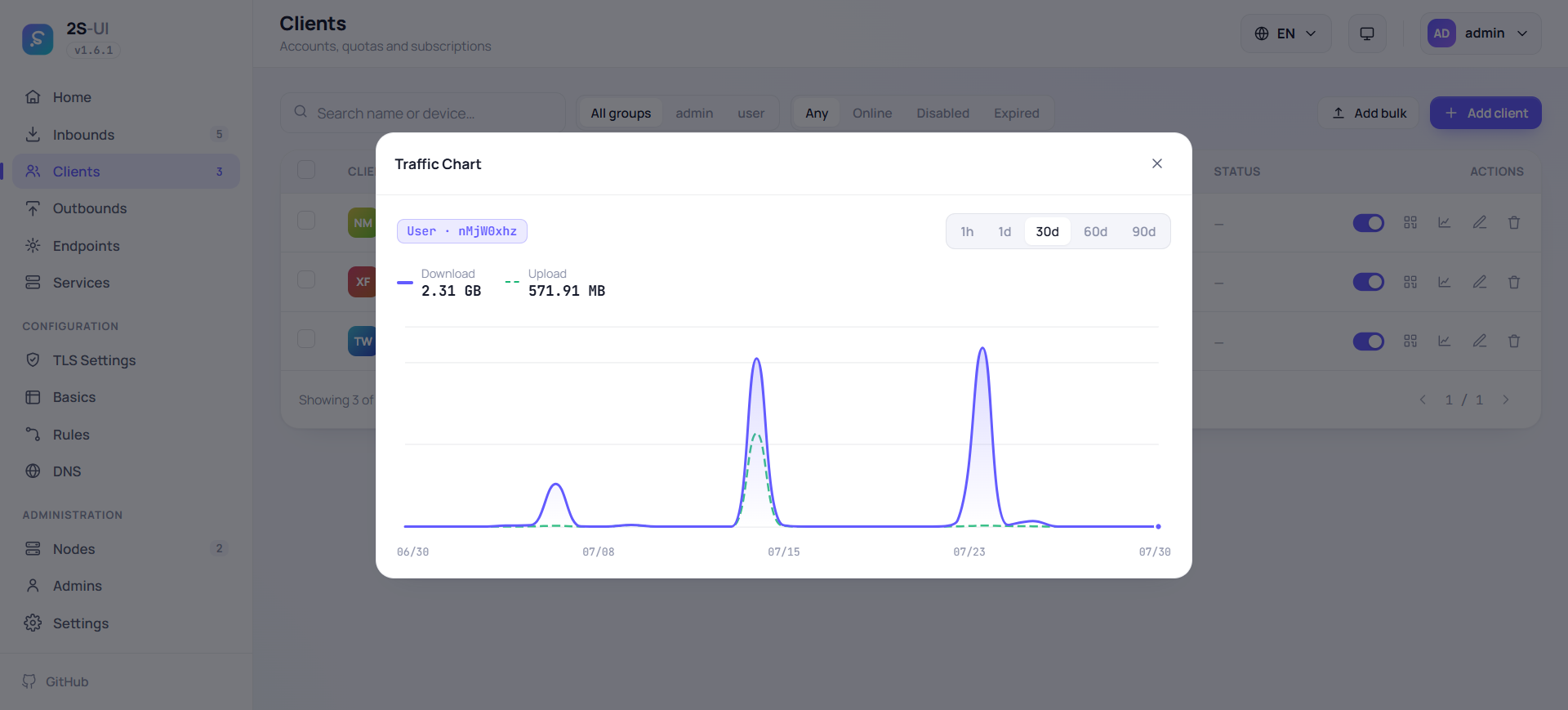
Live charts for clients and inbounds, plus per-user expiry dates and traffic quotas that reset automatically. 图表实时刷新;还能给每个用户设置到期时间和流量配额,并按周期自动重置。
Drag-and-drop rules, transparent proxy via TUN, TProxy or redirect, and fine-grained DNS control. 拖拽式规则编排,支持 TUN / TProxy / 透明重定向,以及精细的 DNS 控制。
English, 简体中文, 繁體中文, فارسی, Tiếng Việt, Русский — plus dark and light themes that follow your system. 英语、简体中文、繁體中文、波斯语、越南语、俄语共六种语言,明暗主题跟随系统自动切换。
Protocols协议支持
From everyday VLESS and Hysteria2 to WireGuard endpoints with per-endpoint latency tests. XTLS supported. Live user updates mean editing a client never drops everyone else's connection. 从常用的 VLESS、Hysteria2,到自带延迟测试的 WireGuard 端点,全部支持,含 XTLS。用户热更新:改一个客户端,不会断掉其他人的连接。
General通用
V2Ray basedV2Ray 系
Modern新锐协议
Outbound & endpoints出站与端点
† The Naive outbound needs the cronet toolchain — it ships in the Linux amd64, arm64, armv7 and 386 builds. † Naive 出站依赖 cronet 工具链,仅 Linux amd64 / arm64 / armv7 / 386 版本内置。
Multi-node cluster多节点集群
Add another 2S-UI instance with just its address and an API token — no separate agent to install, because a node is simply another 2S-UI panel. 只需地址和一个 API Token,就能把另一台 2S-UI 加入集群——不用装额外 agent,节点本身就是一台 2S-UI 面板。
Monitor every node节点状态尽收眼底
A 5-second heartbeat shows each node as online, offline or core-stopped. 5 秒心跳,实时区分在线、离线、核心停止三种状态。
Share users across servers用户跨服务器同步
Clients are pushed to nodes and kept in sync; each node's traffic folds back into your counters. 客户端自动推送到各节点并保持同步,流量统计回流主面板。
One subscription, all servers一条订阅,全部服务器
A client's link carries the master's servers and every bound node's servers together. 订阅链接自动带上主面板和所有节点的服务器,无需手动合并。
Master
panel.example.com
node-tokyo
198.51.100.4
node-frankfurt
203.0.113.9
node-sydney
192.0.2.77
Screenshots界面预览
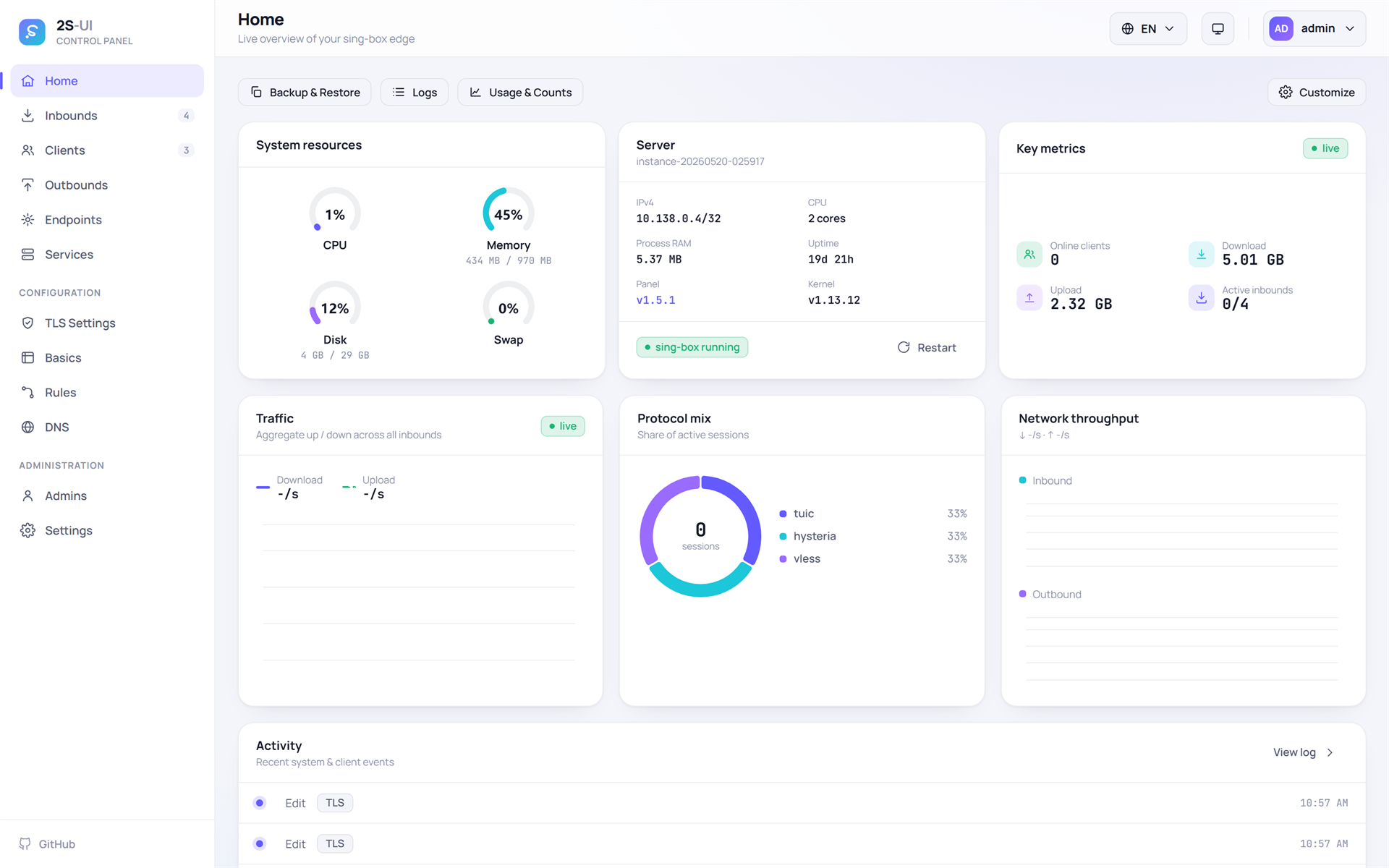
Dark and light themes, six languages, and charts that update live. 明暗双主题、六种语言、实时刷新的图表。
Install安装
Works on Linux, Docker and Windows. Upgrades later are one click inside the panel itself. 支持 Linux、Docker 和 Windows。之后升级只需在面板里点一下。
$ bash <(curl -Ls https://raw.githubusercontent.com/shenaba/2s-ui/main/install.sh)
$ mkdir 2s-ui && cd 2s-ui $ wget -q https://raw.githubusercontent.com/shenaba/2s-ui/main/docker-compose.yml $ docker compose up -d
install-windows.bat as Administratorhttp://localhost:2095/app
1. 从 GitHub Releases 下载最新 Windows 版本install-windows.bathttp://localhost:2095/app
Panel面板
:2095/app/
Subscription订阅
:2096/sub/
Login默认账号
admin / admin *
* Change the default password right after your first login. 首次登录后请立刻修改默认密码。